

 Moon for Google Chrome™
Dark mode that stays readable.
Moon gives bright websites a dependable dark appearance, softens harsh blue light in the evening, and checks its own contrast, without sending your browsing activity anywhere.
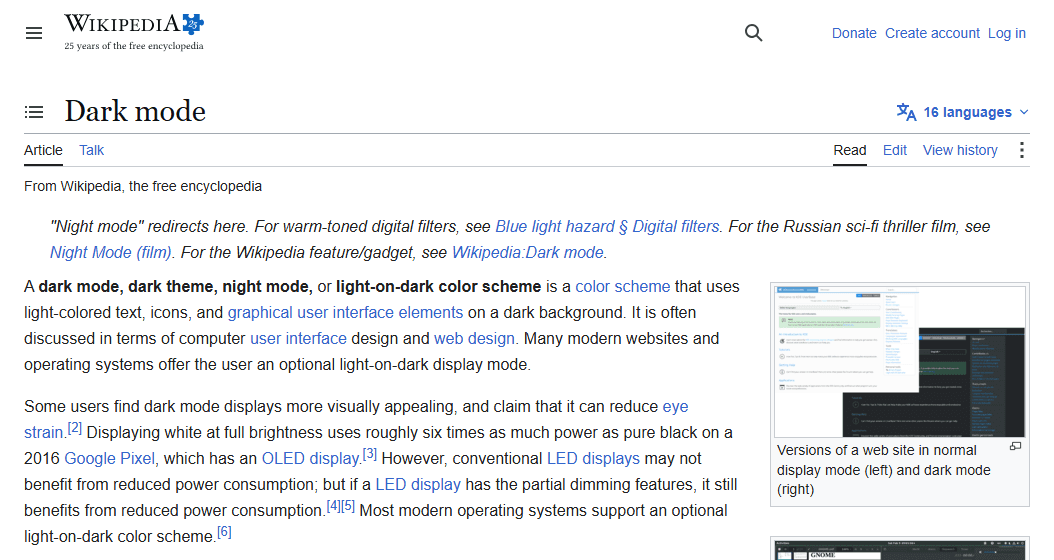
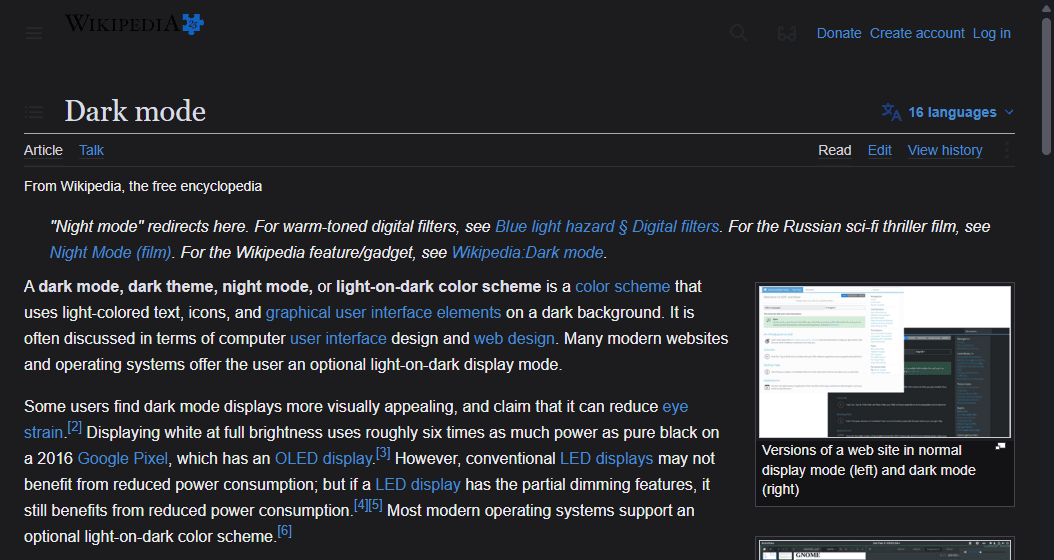
Turn it on once. Trust it everywhere.
Built to be trusted, not just installed.
Moon doesn’t ask you to build a theme for every site you visit. It quietly recolors the pages you open, keeps an eye on whether the result is still readable, and processes everything locally in your browser.
How Moon treats a page.
The same three things happen on every site, in order.
- 1
Recolor safely
Surfaces, gradients, controls, icons, and text are recolored as you browse. Photos and video are left alone.
- 2
Check the contrast
Contrast Guardian compares transformed text against a 4.5:1 target so recolored pages stay legible.
- 3
Ease into evening
Comfort Drift gradually adds your chosen warmth through the hours you set, instead of switching all at once.
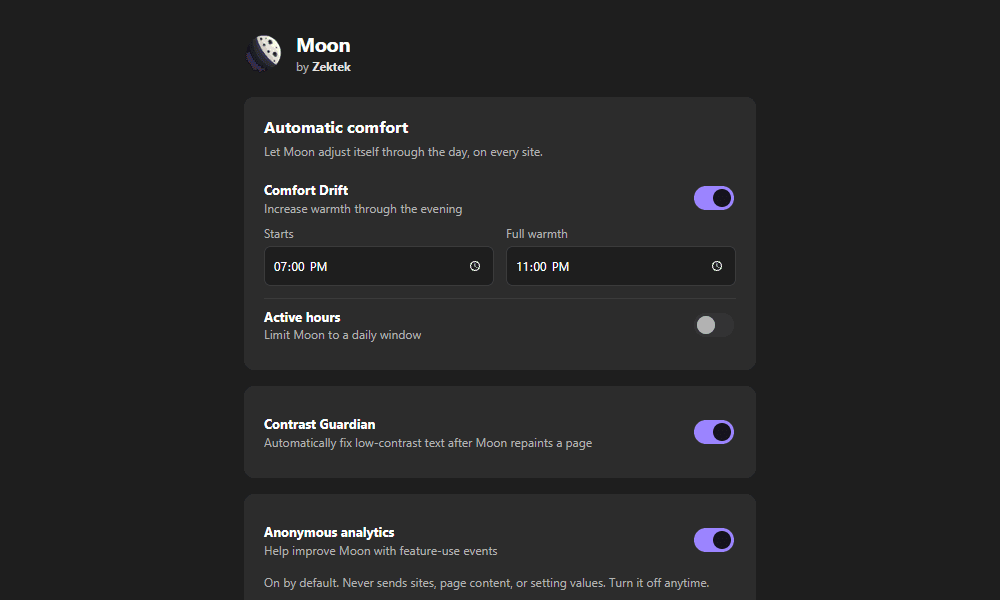
You decide, site by site.
Set a global dark intensity and blue-light warmth, then override either one for individual sites. Moon’s smart engine recolors most pages directly; a filter fallback covers the difficult ones.
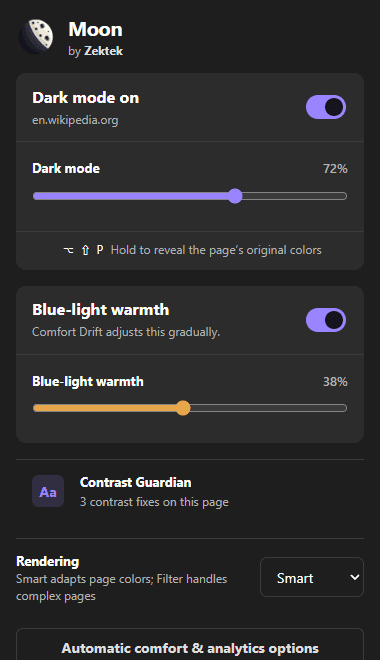
Compare instantly. Schedule automatically.
Hold Alt+Shift+P at any time to see a page’s original colors for as long as you hold it, then let go to return to Moon’s version. Alt+Shift+M toggles Moon on the current site outright.
- Peek at the original page without changing any settings
- Schedule Moon to turn on and off at hours you choose
- Comfort Drift adds warmth gradually across your evening window
Plain about privacy.
Moon has no account and does not transmit webpage content or browsing activity. Settings and per-site rules stay in Chrome’s local extension storage. Anonymous usage analytics is on by default and can be turned off at any time.
Give bright sites a calmer look.
Add Moon to Google Chrome™ and make bright websites feel calmer.